
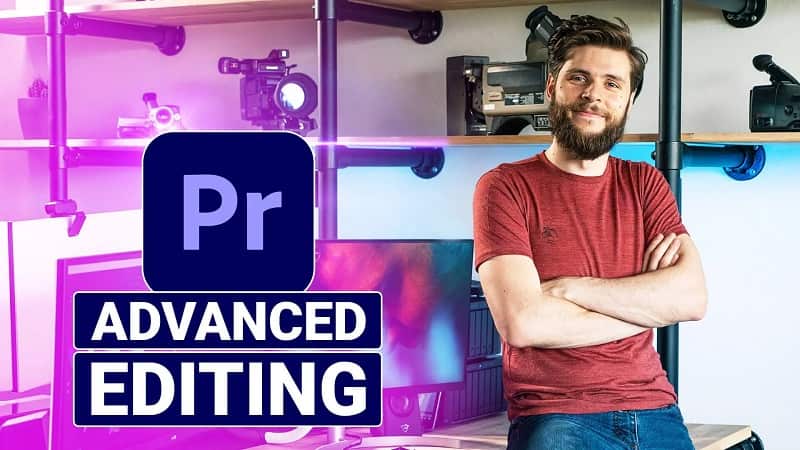
Cinecom Advanced Video Editing In Adobe Premiere Pro
Take your video editing skills to the next level with most complete Adobe Premiere Pro class for advanced users. Learn advanced editing techniques, 2D animations, audio enhancing and color corrections.
By the end of the class you’ll have a complete understanding of every editing tool of Adobe Premiere Pro. This eliminates technical challenges, so that you can focus on the creative side of editing.
You’ll learn all of the features in Adobe Premiere Pro which allows you to do the following:
- Various editing workflow techniques
- Advanced settings and options
- Working with shortcuts
- Captions and subtitles
- Create custom presets and templates
- Transition techniques
- Stabilize and reverse-motion clips
- Time remapping
- Masking and tracking
- Color correcting and grading
- Fixing and enhancing audio
- Working with codecs and render options
You may be interested in these..


Disclaimer
We don't own these files.
All files are hosted on third-party websites.
Everything is obtained from forums, chat servers, content-editing communities, or other websites like this.
Please note that this doesn't grow on trees. If something here really works for you, please support the original author so you can use it for commercial purposes and sell your work.
We don't sell these files.
Our platform isn't run by magic either. Our Premium Members make it possible to keep the website up and running.
We simply give you access to test these high-end assets before you purchase a license.
If you're the author, just go to the DMCA page and request removal.



 Explore more