
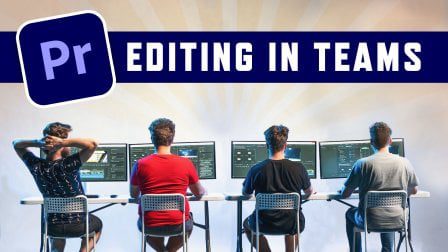
Start professional video editing in teams and learn how to create shared storage over network and adapt your workflow in Adobe Premiere Pro.
For Who Is Cinecom – Video Editing In Teams: Infrastructure & Adobe Premiere Pro Workflow?
Although this class is focused at small teams, it’s highly recommended at solo editors as well. This class is for any video editor who works as a professional as it covers fundamental organization techniques and reliable network solutions.
What Will I Learn?
There’re 2 parts in this class. In the first part you’ll learn about infrastructure and setting up a shared storage over network. In the second part we’ll cover various organization and workflow techniques in Adobe Premiere Pro.
- Setting up a Shared Folder over Network
- Installing a NAS and give different permissions to the editors in your team
- How to get better network performance
- Starting a production in Premiere Pro
- Workflow techniques in Premiere Pro
- Organization techniques in Premiere Pro
You may be interested in these..


Disclaimer
We don't own these files.
All files are hosted on third-party websites.
Everything is obtained from forums, chat servers, content-editing communities, or other websites like this.
Please note that this doesn't grow on trees. If something here really works for you, please support the original author so you can use it for commercial purposes and sell your work.
We don't sell these files.
Our platform isn't run by magic either. Our Premium Members make it possible to keep the website up and running.
We simply give you access to test these high-end assets before you purchase a license.
If you're the author, just go to the DMCA page and request removal.



 Explore more