
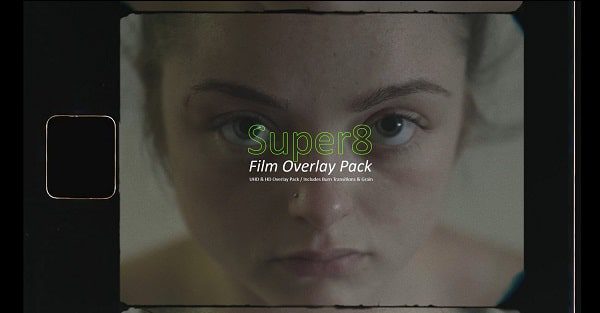
Daniel John Peters – Super8 – Film Overlay Pack Video Assets
Daniel John Peters – Super8 – Film Overlay Pack includes my scans custom edited for ease of use
How To Use Daniel John Peters – Super8 – Film Overlay Pack:
- Drag the Matte files on top of your video file and set the blend mode as ‘Multiply’
- Then drag any of the Screen or Perffiles above the Matte layer and set the blend mode as ‘Screen’
- To use any of the ‘Flash/Transition’ files as a transition piece to your next clip. Place this on top of all the layers and set the blend mode to ‘Screen’
- (TIP: Use all the ‘Super8’ files close to another with transitions to help sell the effect even more)
- Also don’t forget to use any of the ‘Grain’ files above everything and set the blend mode as ‘Overlay’
You may be interested in these..


Disclaimer
We don't own these files.
All files are hosted on third-party websites.
Everything is obtained from forums, chat servers, content-editing communities, or other websites like this.
Please note that this doesn't grow on trees. If something here really works for you, please support the original author so you can use it for commercial purposes and sell your work.
We don't sell these files.
Our platform isn't run by magic either. Our Premium Members make it possible to keep the website up and running.
We simply give you access to test these high-end assets before you purchase a license.
If you're the author, just go to the DMCA page and request removal.



 Explore more