
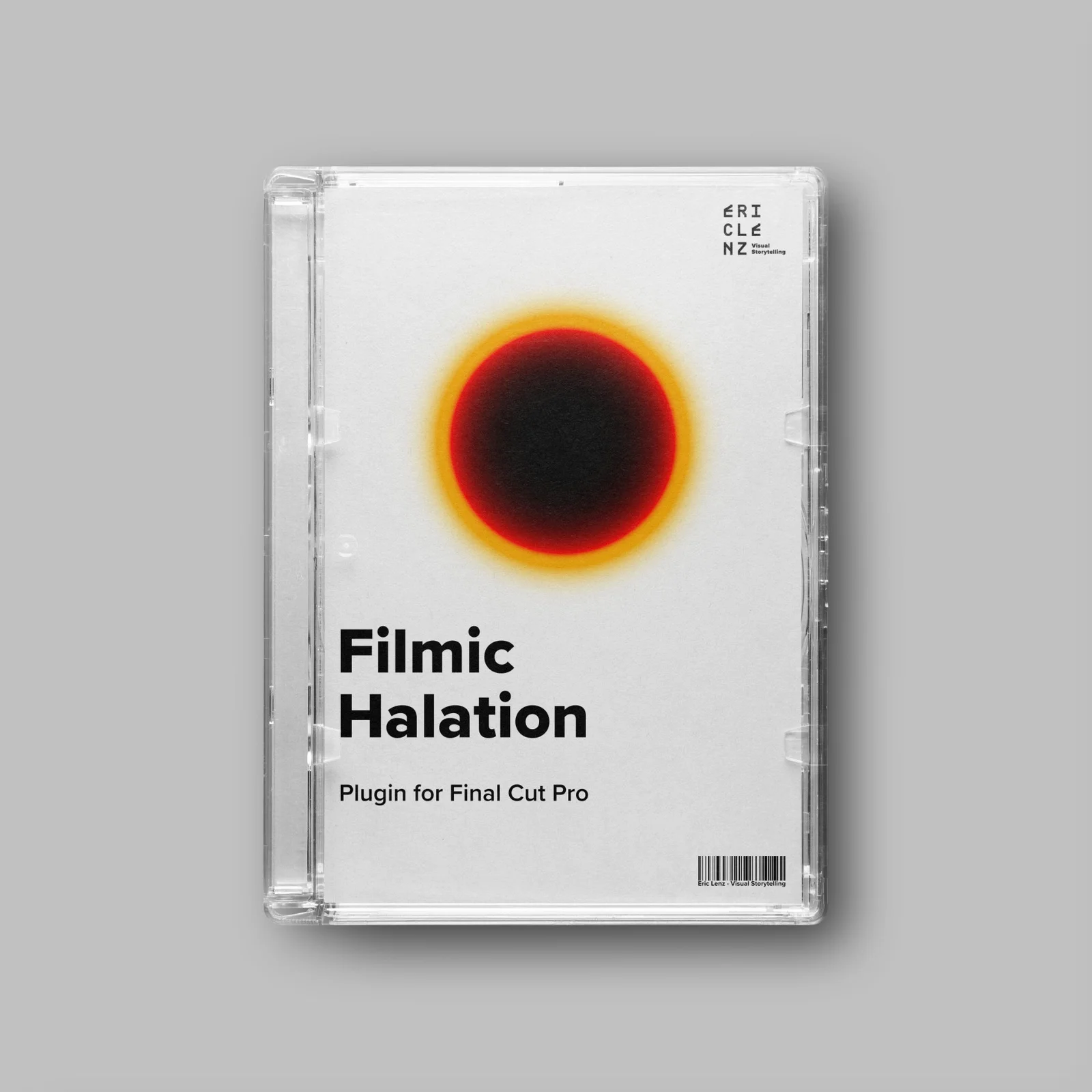
Free Download for Premium Members
Today we bring you EricLenz – Film Halation Plugin for Final Cut Pro with free download links. Remember, on this website you will find lots of premium resources like Courses, Motion Graphics Templates, Photoshop Actions, Fonts, Luts, Sounds, Mockups, VFX, Overlays, Plugins, Presets, Bundles and much more. XTemplates is a handy audiovisual content provider that helps beginner video editors and graphic designers as well as freelancers who can’t afford high-cost editing assets. Note that Guest Users can download without limits from Sources like Envato and MotionArray, on the other hand Premium Members can download without limits from 65+ Sources like Tropic Colour, Acidbite, Boom Library, Blindusk, Triune Digital, MotionVFX and more.
You can join the club by purchasing an XT MembershipPlease check the Payment Plans page to know everything about Our Memberships.
Halation is probably the most sought-after characteristic of an aesthetic and successful film emulation. Often, it is described as a red halo around light sources, but this is not correct. In fact, the most popular approaches to emulate halation are inherently incorrect. Watch the video below to learn more about halation and how the plugin works.
The Halation Plugin comes with powerful tools and options for customisation without being overwhelming. Let’s break it down.
- Strength: This option provides four presets (Subtle, Standard, Bold and Nuclear). By default, it’s set to standard which gives you an estimation of the halation in 35mm film.
- Mask Mode: Let’s you toggle a mask view of threshold and source limiter. It shows active areas in white and inactive areas in black.
- Threshold: Decides what light level is considered for halation. Drag the slider up to exclude darker areas of the image and drag the slider down to include darker areas.
- Source Limiter: Lets you decide how halation spreads through the film stock. If you increase the source limiter all the way, you limit the halation to the actual light source, meaning the warm glow of your footage will disappear and halation will only be visible around the actual light sources. If you decrease the source limiter all the way, light scatters freely throughout the film stock, giving your footage a warm orange glow.
- Hue: Lets you control the hue of the halation.
- Saturation: Increases or decreases the saturation of the halation.
- Boost: Boosts or reduces the overall intensity of the halation.
You may be interested in these..


Disclaimer
We don't own these files* All files are hosted on third party websites. Everything is obtained through forums, chat servers for leaked content or other websites like this. Please note that this doesn't grow on trees so if something really works for you please support to the real author and you will be able to use this for commersial porpuses and sell your work! We don't sell these files* XTemplates isn't done by magic either. Our Premium Members make it possible to keep the website up and running. We simply provide you access to test these high-end assets before you finally purchase a license.
if you'are the author, please go to the DMCA page and request removal.
Finally, thank you for taking the time to read this.



 Explore more