
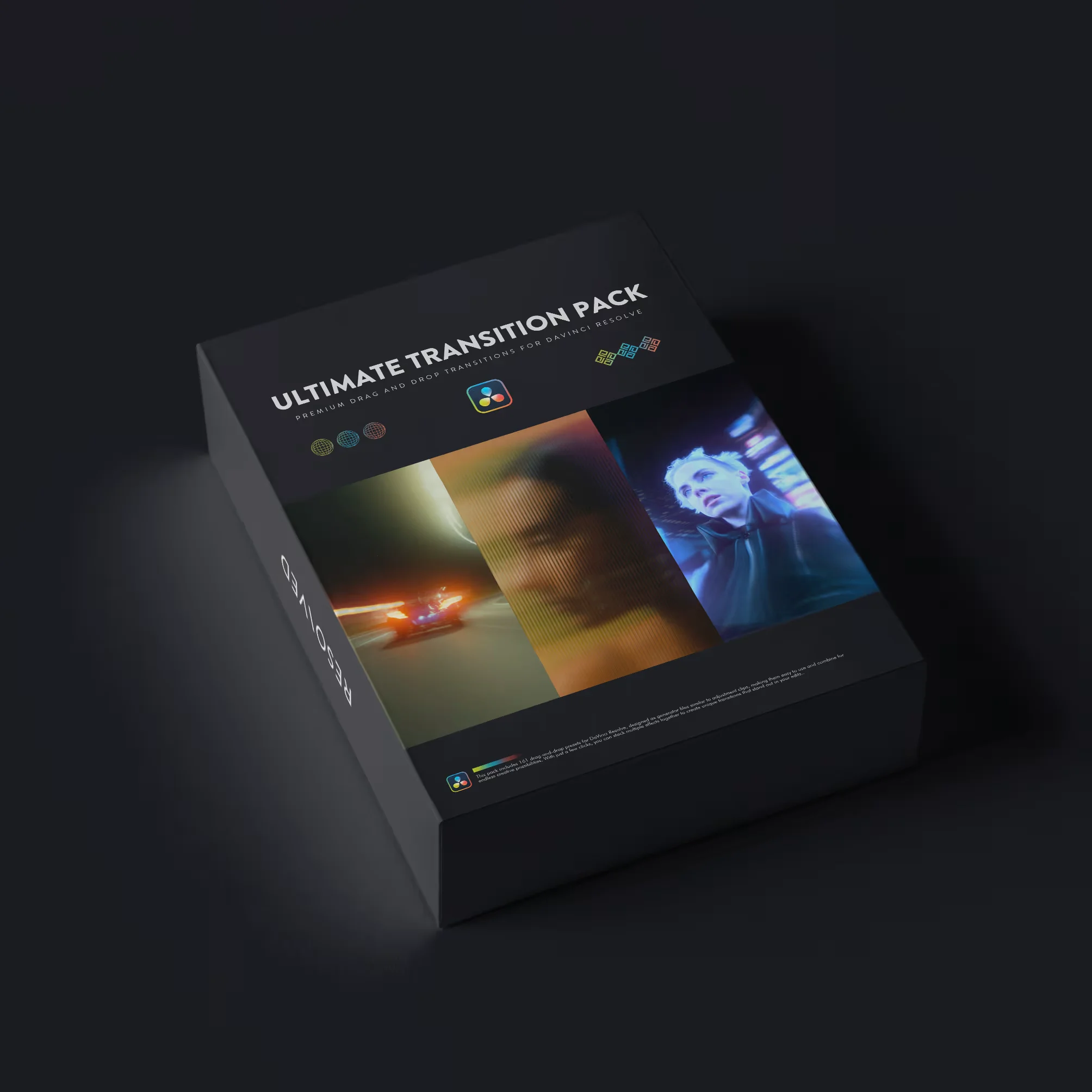
Simply drag the transitions above your cut points and adjust them in the Inspector for precise control.
Designed to expand your transition options without adding complexity to your workflow.
Download Includes:
- DRFX file
- Setup walkthrough video
These are generator files (similar to adjustment clips) that can be stacked for unique effect combinations.
- • 3D Down and In
- • 3D Out and Up
- • 3D Spin
- • Angled Blur + Flash
- • Bubble Warp
- • Camera Shake Flash
- • Camera Shake Start
- • Camera Zoom Shake
- • Chaos Transition
- • Chroma Cut Flash
- • Clean Bubble Warp
- • Clean Camera Shake
- • Constant Twitch
- • Constant Zoom Bounce
- • Crash Zoom
- • Diamond Cut Flash
- • Displacement Transition
- • Drop Transition
- • Edge Glow
- • Ending Shake
- • Film Flash
- • Frame Out + In
- • Glitch
- • Horizontal Shake
- • Hyperzoom
- • In and Out Flash Rotate
- • Infinity Transition
- • Invert Flicker
- • Morph Cut
- • Noise Transition
- • Punch In
- • Rumble Cut
- • Side Blur Flash
- • Soft Glow
- • Spin Transition
- • Squeeze
- • Swirl Flash Transition
- • Thermal Flash
- • Twist Cut
- • Twitch Tilt
- • Twitch Whip
- • Vertical Shake
- • Vortex Swirl Flash
- • Zoom Blur Flash
You may be interested in these..


Disclaimer
We don't own these files.
All files are hosted on third-party websites.
Everything is obtained from forums, chat servers, content-editing communities, or other websites like this.
Please note that this doesn't grow on trees. If something here really works for you, please support the original author so you can use it for commercial purposes and sell your work.
We don't sell these files.
Our platform isn't run by magic either. Our Premium Members make it possible to keep the website up and running.
We simply give you access to test these high-end assets before you purchase a license.
If you're the author, just go to the DMCA page and request removal.



 Explore more