
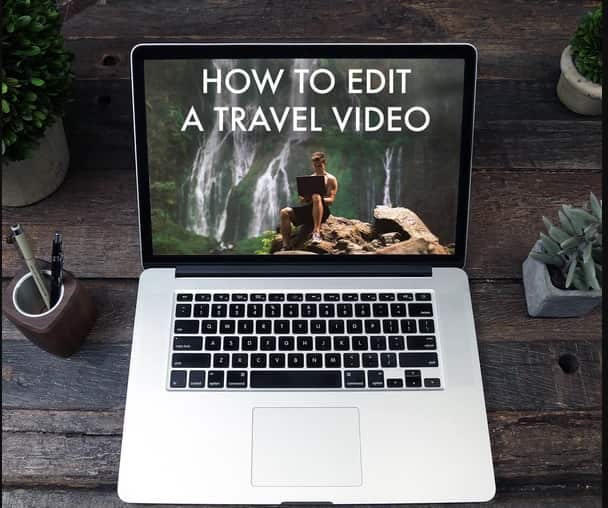
Lost Leblanc – HOW TO EDIT A TRAVEL VIDEO – FULL COURSE – GOLD
- Lost Leblanc – HOW TO EDIT A TRAVEL VIDEO Full Course Details
In this guide we cover:
- How to Set Up your Project
- How to Cut and Organize your Footage Across Several Cameras
- How to Create a Compelling Story Using your Footage
- How to Select and Cut Cinematics
- How to Edit Drone Cinematics
- How to use Speed Ramping and Motion Based Transitions (No Plug-ins Required)
- How to Chose the right Music and Edit to the Rhythm.
- How to Colour Grade (No Plug-ins Required)
- How to Finalize and Export Your Project
- And Countless Other Lessons
This video course is filmed using Final Cut Pro X, however, if you use Adobe Premiere, Sony Vegas or any other editing software, this video is for YOU.
The course does not extensively focus on the hot keys or shortcuts of the software, it is entirely focused on the practices, strategies and secrets behind every single one of the videos I create and these lessons are priceless regardless of what software you use.
You may be interested in these..


Disclaimer
We don't own these files.
All files are hosted on third-party websites.
Everything is obtained from forums, chat servers, content-editing communities, or other websites like this.
Please note that this doesn't grow on trees. If something here really works for you, please support the original author so you can use it for commercial purposes and sell your work.
We don't sell these files.
Our platform isn't run by magic either. Our Premium Members make it possible to keep the website up and running.
We simply give you access to test these high-end assets before you purchase a license.


 Explore more