
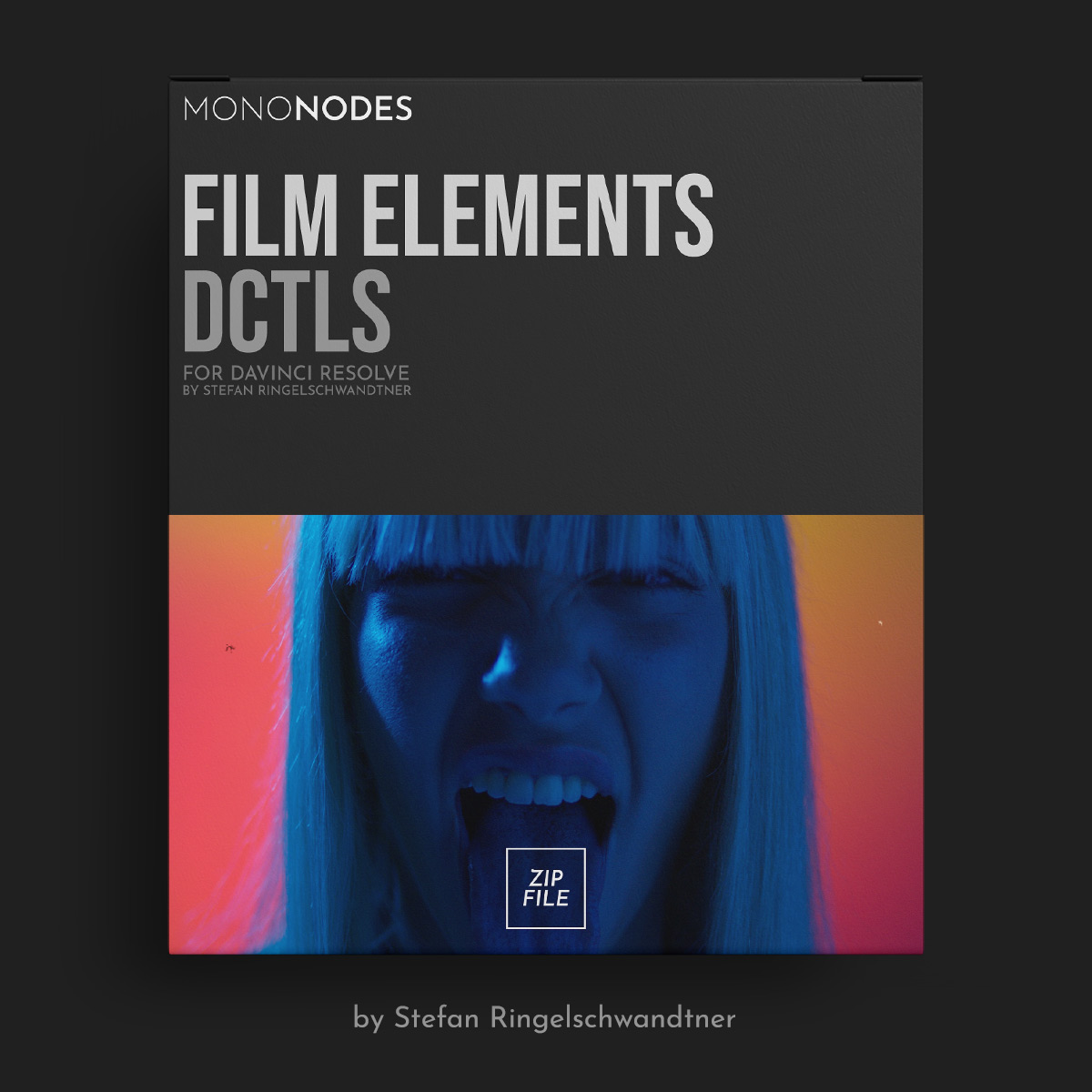
Film Elements is a collection of DCTL tools designed to reproduce the subtle qualities of analog film within a digital workflow. Each module emulates a specific optical, photochemical, or physical characteristic such as grain, halation, vignette, lens distortion, flicker, gate weave, and surface artifacts like dust, dirt, and hair.
Included:– MONO-CA-v2.0.dctle– MONO-Dirt-Hair-v2.0.dctle– MONO-Dirt-Spots-v2.0.dctle– MONO-Edge-Blur-v2.0.dctle– MONO-Flicker-v2.0.dctle– MONO-Gate-Weave-v2.0.dctle– MONO-Grain-v2.0.dctle– MONO-Halation-v2.0.dctle– MONO-Lens-Distortion-v2.0.dctle– MONO-MTF-v2.0.dctle– MONO-Reframe-v2.0.dctle– MONO-Vignette-Edge-v2.0.dctle– MONO-Vignette-v2.0.dctle
INSTALL GUIDELINES
- Open “Project Settings.”
- Go to “Color Management” and choose “Open LUT Folder.”
- Drag and drop the folder with the DCTL files into this directory.
- Restart DaVinci Resolve to apply the changes.
You may be interested in these..


Disclaimer
We don't own these files.
All files are hosted on third-party websites.
Everything is obtained from forums, chat servers, content-editing communities, or other websites like this.
Please note that this doesn't grow on trees. If something here really works for you, please support the original author so you can use it for commercial purposes and sell your work.
We don't sell these files.
Our platform isn't run by magic either. Our Premium Members make it possible to keep the website up and running.
We simply give you access to test these high-end assets before you purchase a license.
If you're the author, just go to the DMCA page and request removal.



 Explore more