
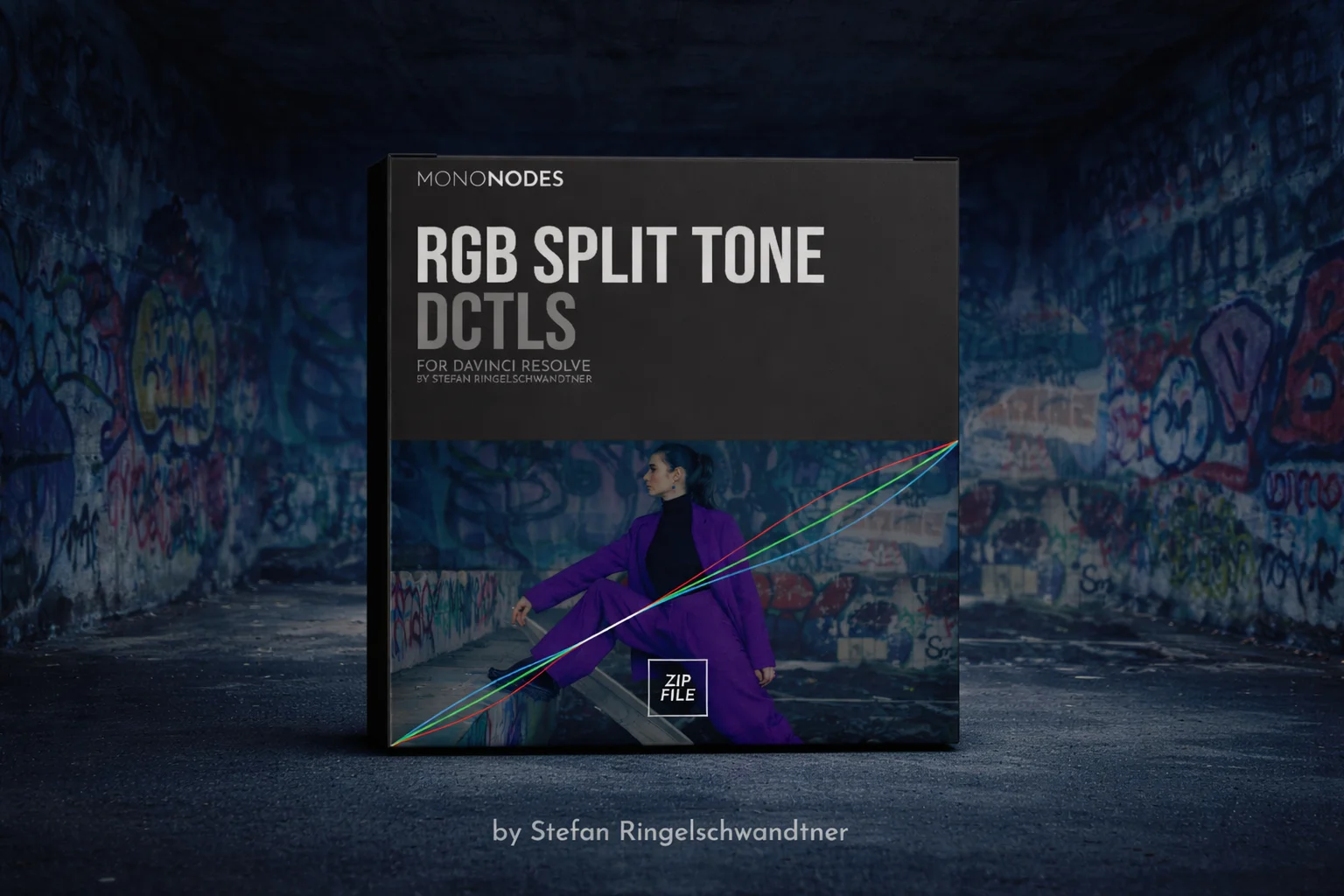
RGB Split Tone V2 is a camera space aware split toning tool that works directly in your chosen Input Log. Select the log and the adjustments happen in that space. Instead of bending freehand curves, you use precise sliders with soft knees and optional white and black protection. Whites and blacks can stay neutral, or be intentionally split for creative effect. Highlights, shadows, and mid gray stay where you set them, making results predictable and repeatable without anchor point juggling or unexpected hue shifts.
Red High – Creates a red split-tone in the highlights.Green High – Creates a green split-tone in the highlights.Blue High – Creates a blue split-tone in the highlights.Range High – Where the highlight split begins (knee/pivot).White Pivot High – Pivot where keep-white-neutral is targeted.White Split High – Strength of white-neutral protection near that pivot.Blend High – Mix between split highlights and neutral.
Red Low – Creates a red split-tone in the shadows.Green Low – Creates a green split-tone in the shadows.Blue Low – Creates a blue split-tone in the shadows.Range Low – How far the shadow split reaches into the mids.Black Split Low – Adds a small offset along the shadow split to color near-black.Blend Low – Mix between split shadows and neutral.
Apply High – Enable the highlight split stage.Apply Low – Enable the shadow split stage.Show Curves – Display the three RGB curves.Show Mask – Preview where the split is applied.Clamp Result – Keep values legal 0–1.
Transfer Function – Choose the camera’s log curve.
You may be interested in these..


Disclaimer
We don't own these files.
All files are hosted on third-party websites.
Everything is obtained from forums, chat servers, content-editing communities, or other websites like this.
Please note that this doesn't grow on trees. If something here really works for you, please support the original author so you can use it for commercial purposes and sell your work.
We don't sell these files.
Our platform isn't run by magic either. Our Premium Members make it possible to keep the website up and running.
We simply give you access to test these high-end assets before you purchase a license.
If you're the author, just go to the DMCA page and request removal.


 Explore more