
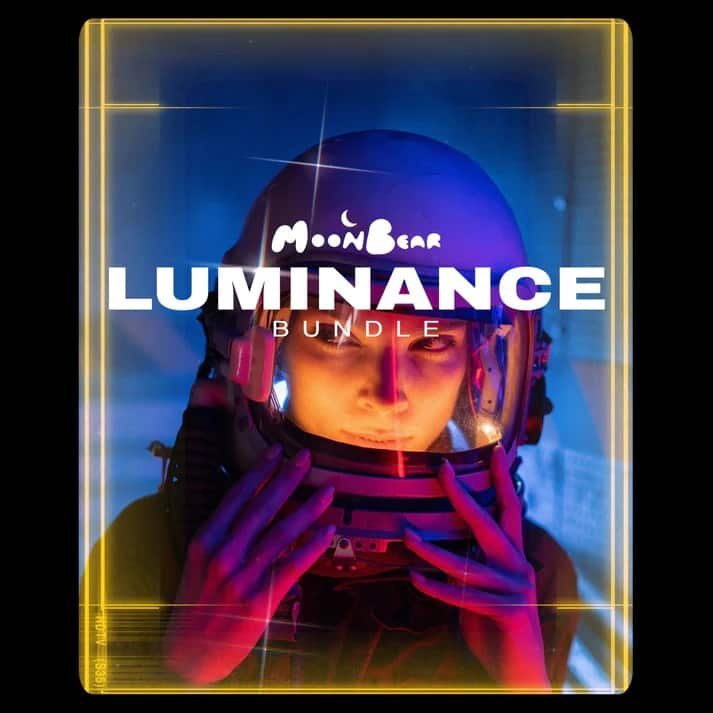
Moonbear The luminance bundle is full of unique creative elements for serious filmmakers, looking to set themselves apart.
With Moonbear The Luminance Bundle overlays and grain, you can create Retro 2000’s looks & effects, or use them for a heavy Sci-Fi vibe.
How to use Moonbear The Luminance Bundle:
- Open Folder “MB – Luminance”.
- Select any file in the Luminance folder that you would like to use.
- Open your editing program of choice.
- Drag & Drop or “Import” the file of your choice into your editing program.
- For Frames, and Star Grain: Change the blending modes to Lighten, Screen, Hard Light, or Vivid Light. To instantly remove the black or grey backgrounds.
Moonbear The Luminance Bundle works with any video editing program of your choice. Including FCP, Premiere, After Effects, Davinci, Vegas, iMovie, Luma Fusion, and more
You may be interested in these..


Disclaimer
We don't own these files.
All files are hosted on third-party websites.
Everything is obtained from forums, chat servers, content-editing communities, or other websites like this.
Please note that this doesn't grow on trees. If something here really works for you, please support the original author so you can use it for commercial purposes and sell your work.
We don't sell these files.
Our platform isn't run by magic either. Our Premium Members make it possible to keep the website up and running.
We simply give you access to test these high-end assets before you purchase a license.
If you're the author, just go to the DMCA page and request removal.



 Explore more