
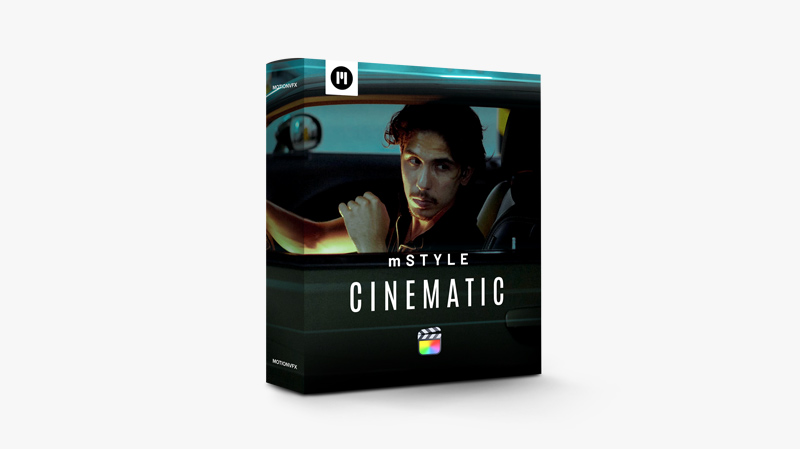
MotionVFX mStyle Cinematic — an essential toolkit to transform your content into an immersive cinematic experience that will leave audiences spellbound.
Unleash the magic of the big screen with mStyle Cinematic, the ultimate toolkit for Final Cut Pro enthusiasts in pursuit of that professional, cinematic touch. Elevate your content to extraordinary heights as this handy plugin brings the allure of Hollywood right to your fingertips. With a range of dazzling effects, powerful transitions, and refined typography, mStyle Cinematic empowers you to transform your footage into an immersive cinematic experience, captivating audiences and unlocking your true creative potential. Lights, camera, action – welcome to the world of cinematic excellence.
How to install the plugin:
- Install Custom LUTs: Copy all cube files to User/library/application support/ProApps/Custom LUTs folder
- Copy all mStyle Cinematic Titles files into User/Movies/Motion Templates/Titles folder
- Copy all mStyle Cinematic Transition files into User/Movies/Motion Templates/Transitions folder
You may be interested in these..


Disclaimer
We don't own these files.
All files are hosted on third-party websites.
Everything is obtained from forums, chat servers, content-editing communities, or other websites like this.
Please note that this doesn't grow on trees. If something here really works for you, please support the original author so you can use it for commercial purposes and sell your work.
We don't sell these files.
Our platform isn't run by magic either. Our Premium Members make it possible to keep the website up and running.
We simply give you access to test these high-end assets before you purchase a license.
If you're the author, just go to the DMCA page and request removal.



 Explore more