
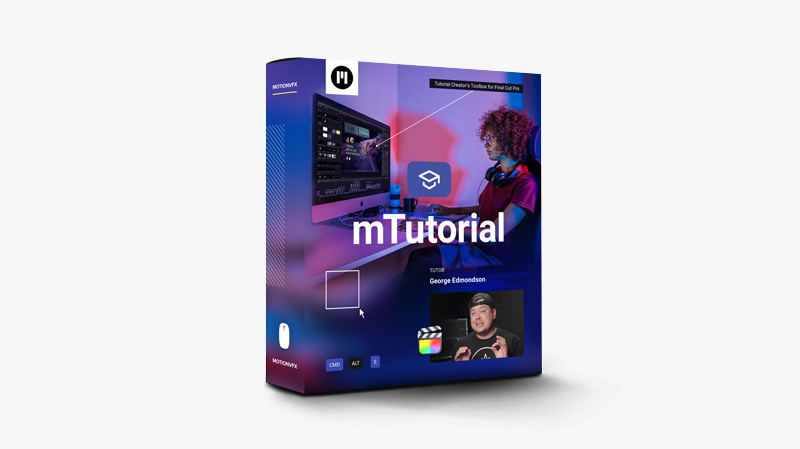
Product feature:
mTutorial — a collection of handy tools to visually boost your educational videos and facilitate their creation process. Convey more information and engage your viewers for a perfect learning experience! Tutorial videos are one of the most popular forms of training resources. And there’s always a need for professional tools to facilitate their creation. Now you can make your tutorial edits even better, more consistent, and visually appealing.
Choose from a multitude of presets to easily highlight, indicate or zoom in on points of interest on the screen, add mouse or keyboard hints, and present technical details with clarity. Creating comparisons and annotating your project with essential information will be a breeze, thanks to diversified presets combining typography, motion graphics, and drop zones for your footage. This collection of handy tools enables you to streamline your editing process so that you can spend more time polishing your content. Ready-made but fully customizable, this plugin will help you make your tutorials more approachable, engage your audience and reach your goals in no time.
You may be interested in these..


Disclaimer
We don't own these files.
All files are hosted on third-party websites.
Everything is obtained from forums, chat servers, content-editing communities, or other websites like this.
Please note that this doesn't grow on trees. If something here really works for you, please support the original author so you can use it for commercial purposes and sell your work.
We don't sell these files.
Our platform isn't run by magic either. Our Premium Members make it possible to keep the website up and running.
We simply give you access to test these high-end assets before you purchase a license.
If you're the author, just go to the DMCA page and request removal.



 Explore more