
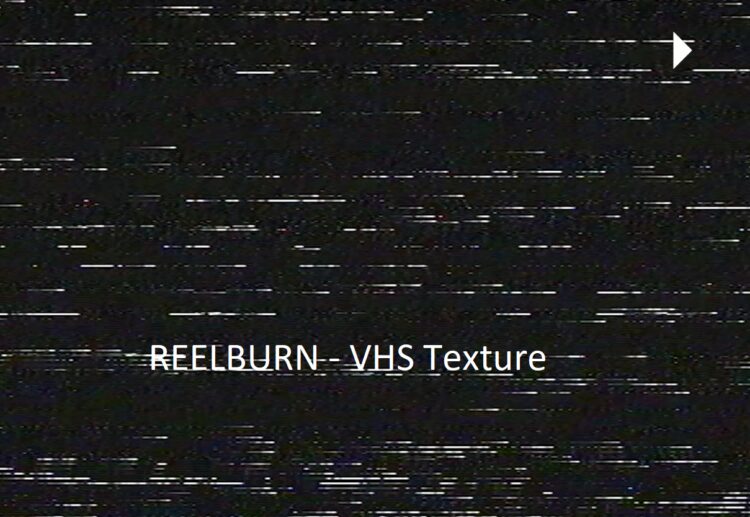
Overview of VHS Texture
VHS Texture is a vital component in the realm of video elements. It seamlessly combines the charm of yesteryears with the power of cutting-edge technology. With Camcorder 2.0, Glitches 2.0, and Tracking Textures 2.0, you have a robust toolkit at your fingertips. These elements offer content creators a wide range of options to infuse their videos with an authentic VHS feel.
Features of VHS Texture
Camcorder 2.0: This feature allows you to emulate the distinct look of vintage camcorders, complete with the familiar scan lines, color bleeding, and interlacing effects. It’s a surefire way to give your footage that iconic VHS aesthetic.
Glitches 2.0: Embrace the quirks of VHS with Glitches 2.0. It offers a variety of glitch effects, from screen flickers to distorted lines, giving your videos an extra layer of authenticity.
Tracking Textures 2.0: Take your viewers on a trip down memory lane with Tracking Textures 2.0. This feature lets you add tracking errors and distortions, mimicking the tracking issues VHS tapes were known for.
How to Use VHS Texture – Mastering the Art
Using VHS Texture elements is a straightforward process. Simply integrate them into your video editing software of choice, and you’re ready to go. Adjust settings as needed to achieve the desired level of vintage charm. Experiment with different combinations to unlock the full potential of VHS Textures.
You may be interested in these..


Disclaimer
We don't own these files.
All files are hosted on third-party websites.
Everything is obtained from forums, chat servers, content-editing communities, or other websites like this.
Please note that this doesn't grow on trees. If something here really works for you, please support the original author so you can use it for commercial purposes and sell your work.
We don't sell these files.
Our platform isn't run by magic either. Our Premium Members make it possible to keep the website up and running.
We simply give you access to test these high-end assets before you purchase a license.
If you're the author, just go to the DMCA page and request removal.



 Explore more